AI image upscaler for clearer photos.
Use this AI image upscaler to make image clearer and larger — a blurry photo enhancer that returns the same shot at a higher resolution.
3 free edits per day. Sign in for 6 daily edits across photo tools.
Get 6 free edits daily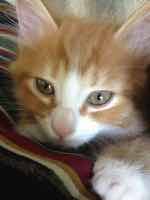 BEFORE
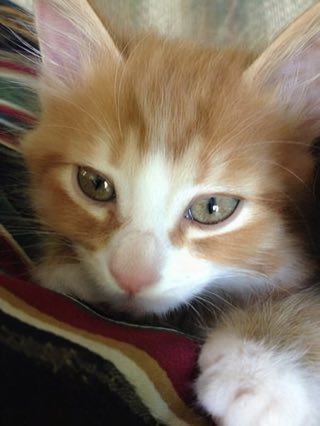 AFTER
AFTERChoose a photo
JPG or PNG · up to 12 MB · no brush or mask
Your result
How to use an AI image upscaler
Use this AI image upscaler when you want to make an image clearer or need a blurry photo enhancer that returns a larger file.
- Upload a photo. Choose a blurry or small JPG or PNG.
- Make image clearer. The AI image upscaler runs the upscaling job and returns a clearer, larger result.
- Inspect and download. Review the result at the size you plan to use before saving it.
Facts about this tool
- Input: JPG or PNG, up to 12 MB, one photo per run.
- Output: a larger, sharper copy. The result shows both pixel sizes before you download.
- Free: 3 edits a day without an account, 6 a day with a free account. The daily edits are shared across all tools.
- Pro: $2.99 a week, $19.99 a year or $59.99 once. No daily limit.
- Last updated: 2026-10-10
FAQ
Can an AI image upscaler make an image clearer?
It can improve a low-resolution or blurry image. Fine detail can still need review after processing.
Is this different from the image enhancer?
Both pages run the same upscaling tool. Use this page when you want a larger, clearer image.
Can I upscale an image free?
Yes. Upscale an image free within your daily allowance: 3 edits without an account or 6 with a free account, shared across all tools.
What image sizes can I upload?
Upload one JPG or PNG up to 12 MB.
How do I check the output resolution?
The result shows your original width and height alongside the returned image dimensions. Check those numbers and inspect fine details at your intended display size; a larger image does not guarantee recovery of detail missing from the original.
Photos are sent to the Erase API and its image processor for this edit. Privacy · Terms